

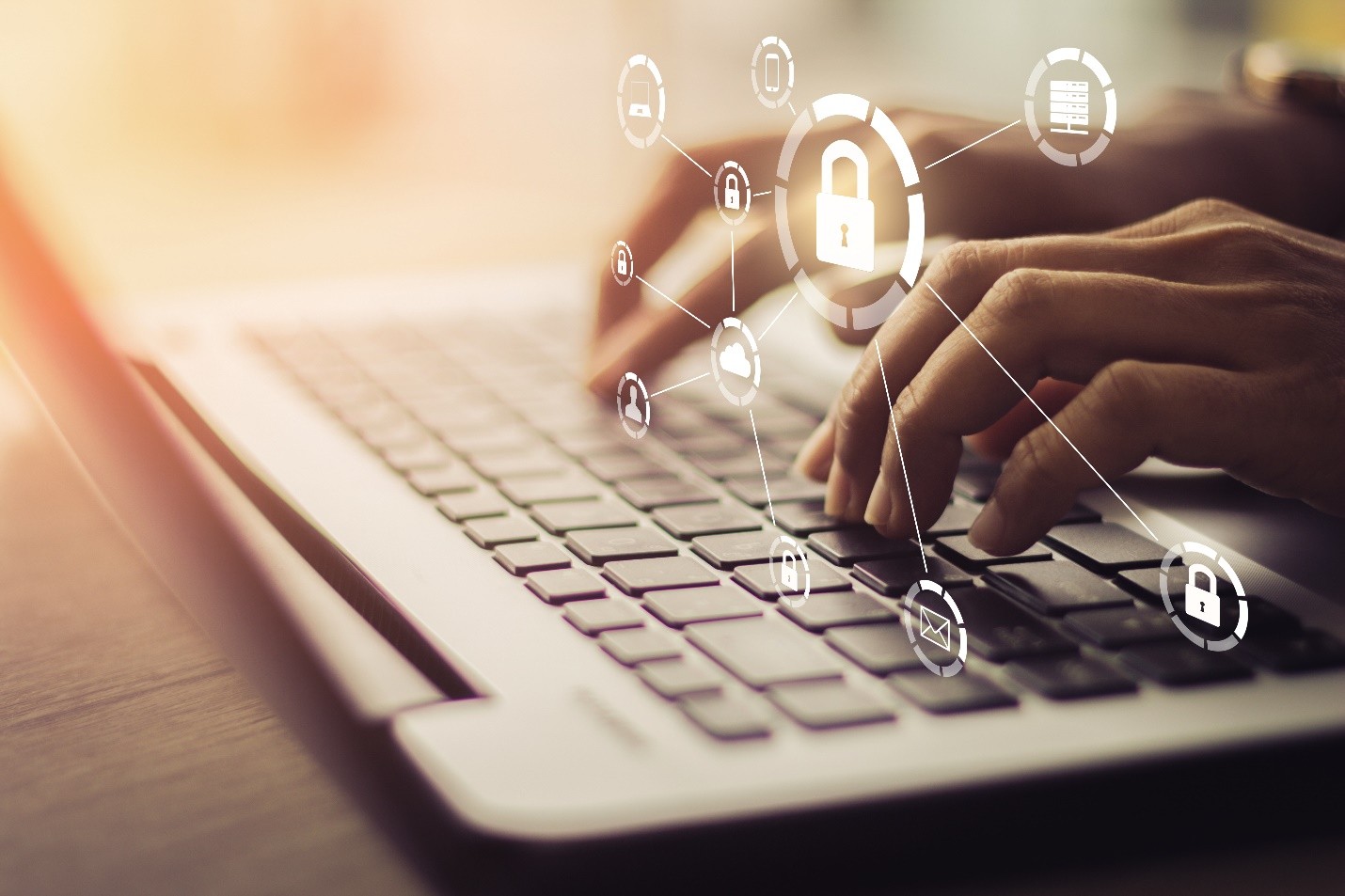
Are you looking for the best computer out there? There is a chance you might be using an Apple product. Even though Macintosh computers are very safe, you still need to think about what you can do to protect your sensitive information against cybercriminals. Because Apple products have become so popular, criminals have found a way to hack these devices. Therefore, you must make sure your information has been secure. What are a few essential tips you should follow?
Change Your Password Regularly
First, you must make sure you change your password regularly. Even though it can be annoying to remember multiple passwords, this is essential in protecting your personal information. A few tips to follow when managing passwords include:
- Set up a regular interval at which you are going to change your password. Consider setting a reminder on your phone.
- When you choose a new password, try to pick a password you have not used in a long time.
- The longer your password is, the harder it is going to be to break.
- Make sure you use a mixture of characters. Use lower case letters, uppercase letters, numbers, and symbols to make your password harder to guess.
- Avoid picking passwords that are easy to guess, such as your phone number or birthday.
Finally, try to avoid sharing your password with other people. This will reduce the chances of someone else hacking your computer.
Think About Your Network
Next, you should also think about the network you are using. Is your Wi-Fi network secure? You may want to take additional steps to protect yourself, particularly when you are using the internet. For example, you might want to use a VPN to protect your personal data online. You are usually assigned an IP address that acts as a digital fingerprint when you use the internet. A VPN can scramble your IP address, making you anonymous as you use the internet. This is a critical security layer when you use the internet.
Set Your Mac To Secure Itself Automatically When Idle
You should also set your computer to automatically secure itself when you become idle. After not using your computer for several minutes, the screen should turn dark. Then, when you wake it up again, it does not necessarily prompt you to enter your password. This is a severe security issue. You should change the settings on your computer to automatically require you to enter your password if you wake up your computer from an idle state. Otherwise, someone else could wake up and see what you are doing if you walk away from your computer.
Encrypt the Information on Your Mac
Your computer probably has a lot of sensitive information on it. You may want to encrypt the information on your computer using a program such as FileVault. Encrypting your information is important because it makes it extremely difficult for a hacker to decipher the present information. Even though you do not necessarily have to encrypt all of your files, you should consider encrypting the most important ones. For example, anything that has your social security number on it should probably be encrypted.
Clean Your Files Regularly
Finally, you should also make sure you clean your files regularly with the best free Mac cleaner available. Just as you clean the outside of your computer, you need to clean your files as well. For example, there may be a lot of cookies that are stored on your computer. This could be slowing down your device, making it harder for you to use your computer. You may also want to consider setting a regular backup schedule that can protect your files from harm. If you can clean your files regularly, you might be able to protect them from getting corrupted. This is another security layer you can use to protect your Mac.
Protect Your Mac and the Information On It
These are a few essential steps you should take if you want to protect your Mac from harm. Think about everything you do on your computer. Do you access your bank account on your computer? Do you purchase things online using a credit card number? Do you access sensitive documents that might have your social security number on them? If so, you must make sure you protect the information on your Mac computer by taking these steps. If you have questions about what you should do to protect yourself, reach out to a technology professional who can provide assistance.
