
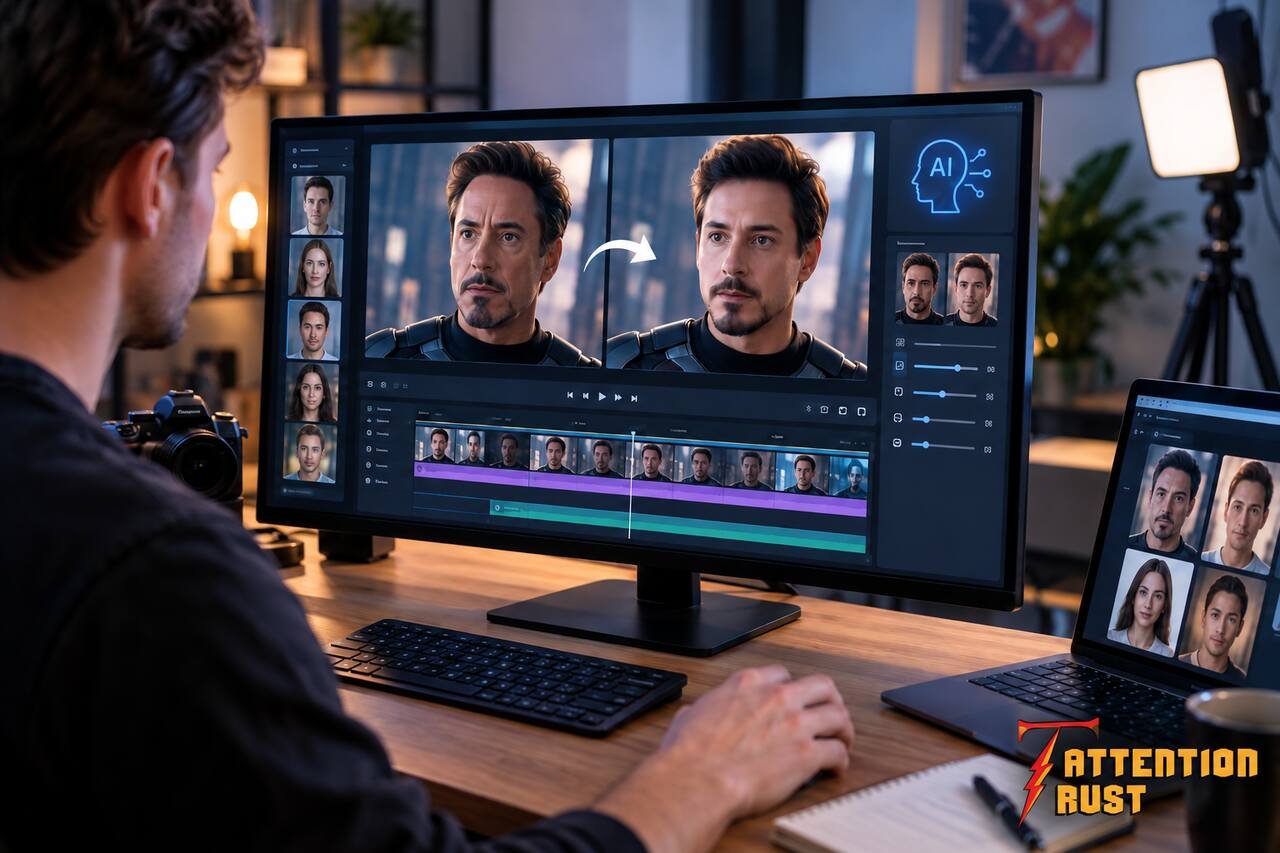
Face swapping in video has come a long way. It’s not just Instagram filters anymore – we’re talking about replacing faces in actual moving footage, keeping expressions right, and making it look convincing. The question isn’t really “does it work” anymore – it’s “which tool works for what I’m actually trying to do.”
I’ve tested the main options out there, and honestly, they’re built for different jobs. Magic Hour is probably your safest starting point because you can literally try it without even signing up. But HeyGen, AKOOL, Runway, and the others all have their moment depending on what you’re making.
The Tools at a Glance
| Tool | What it’s for | Video swap? | Free? | Where? |
|---|---|---|---|---|
| Magic Hour | Best overall choice | Yes | Yes | Web |
| HeyGen | Business avatars | Yes | Limited | Web |
| AKOOL | Marketing stuff | Yes | Limited | Web |
| Runway | Big video projects | Indirect | Limited | Web |
| Reface | Quick consumer clips | Yes | Yes/Limited | Web, iOS, Android |
| FaceFusion | Tech-savvy users | Yes | Yes | Desktop |
| Vidnoz | Simple video creation | Yes | Yes/Limited | Web |
Magic Hour – The Safest Bet
Here’s why I lead with Magic Hour: you can literally try it right now without creating an account. Upload a video, upload a face, click go, and see what happens. That’s huge because face swapping results are all about the source material – lighting, angles, how visible the face is, all that stuff. You want to test before committing to anything.
Their current deal is three free video swaps per day without signup. Free videos cap out at 10 seconds and 480p, but that’s enough to see if it’s worth paying for. If you go paid, you get higher resolution, priority processing, longer clips, and no watermarks.
One thing I like about it – they support both single-face and multi-face swaps, so if you’re doing group footage, you’ve got options.
What works:
- Free without needing to sign up
- Can swap one person or multiple people
- Handles movement and angles automatically
- Everything happens in your browser
- Works with videos, photos, GIFs
- API available if you’re a developer
- Good for social clips, ads, client work
The catch:
- Free videos have resolution, length, and watermark limits
- The source face quality matters a ton
- Commercial rights come with paid plans
Cost: Free without signup. Creator plan is $19/month (or $12 yearly). Pro is $39/month ($25 yearly). Business is $99/month ($66 yearly).
One more thing – they’ve also got a lip sync ai tool that works with face swap video free. So if your swapped face needs to say different stuff, you can run it through lip sync next. It’s not automatic in one go, but it’s the same platform.
HeyGen – For Business People Speaking
HeyGen is a different beast. It’s really built around AI avatars and presenter videos, not so much “replace this face in my existing video.”
If you’re making training videos, sales presentations, or something where you want an AI person talking to the camera, HeyGen makes sense. Multi-language support is actually genuinely useful for business stuff.
Why it’s good:
- Avatar workflow is solid
- Multi-language support actually works
- Good for corporate stuff
- Nontechnical people can use it
Where it doesn’t fit:
- Focused on avatars, not face replacement
- Free tier is pretty limited
- Not ideal if you just want to swap faces in existing video
Real talk: pick HeyGen if your idea is “I need an AI spokesperson.” If you already have video and just need to put a different face on it, go with a face-swap tool.
AKOOL – For Marketing Experiments
AKOOL’s the kind of platform that has a bunch of stuff – face swapping, avatars, image generation, effects. That actually makes it interesting for marketers who need several different AI tools rather than one specialist.
What it’s good for:
- Multiple generative media features
- Good for testing different marketing ideas
- Useful for creative workflows
The reality:
- Pricing can be confusing with credit systems
- Results depend on your source footage
- Not as focused as a dedicated face-swap tool
Bottom line: if face swapping is just one part of your marketing workflow and you need other stuff too, AKOOL’s worth a look. If you just need faces swapped, simpler tool = faster results.
Runway – For Big Creative Projects
Runway isn’t primarily a face-swap tool – it’s basically the whole AI video suite. Video generation, image generation, editing, effects, all that.
This matters because if your project needs you to generate scenes, manipulate visuals beyond just faces, or create entirely new footage, Runway becomes valuable. Face swapping is just one thing it can do.
When to use it:
- Lots of AI video capabilities
- Good for professional creative workflows
- Strong for experimentation
- Suited to bigger visual projects
The catch:
- Face swapping isn’t the main focus
- Might be overkill for just swapping a face
- Credits get eaten up depending on what you do
Use Runway when face swapping is part of a bigger AI video thing. For a simple face replacement, you want a focused tool.
Reface – Quick and Easy
Reface made face swapping popular for regular people. The whole vibe is “just make a quick face-swap clip, no technical knowledge needed.”
Good for:
- Simplicity – anyone can use it
- Short, fun entertainment clips
- Works on mobile
- Lots of templates to play with
The thing is:
- Less control than professional tools
- Templates can limit what you want to do
- Professional work needs another platform
Reface is your move if you want to make a quick viral clip. If you need control or professional output, look elsewhere.
FaceFusion – For Technical People
FaceFusion is not a cloud service – it’s desktop software, and it’s made for people who like to tinker. Configuration, technical setup, that whole thing.
Why developers like it:
- Open-source oriented
- More technical control
- Good for experimentation
But real talk:
- More complicated to set up
- Not beginner-friendly
- Hardware requirements can matter
- Troubleshooting needs technical knowledge
If you’re a marketer who needs results, skip this. If you’re a developer who wants control, FaceFusion’s worth trying.
Vidnoz – Simple Video Creation
Vidnoz combines AI avatars, video generation, templates, and other automated video stuff. It’s built for people who want to make business or social videos without spending all day in an editor.
What it’s good for:
- Simple browser-based workflows
- Multiple AI video features
- Business content
- Templates speed things up
Where it’s limited:
- Face swapping is just one feature
- Free limits can block bigger projects
- Advanced users want more control
Vidnoz works best when you’re doing broader video creation, not specifically face swapping as the main task.
How I Actually Evaluated These
I looked at six things that actually matter when you’re picking a tool.
Face consistency – does the swapped face stay recognizable throughout the clip, or does it fall apart? That matters.
Motion handling – in real footage, faces move around. Head turns, expressions change, sometimes faces get partially blocked. Good tools handle all that.
Workflow speed – most creators want a tool that works in a few steps, not one that needs endless manual tweaks.
Output quality – resolution, compression, facial detail, all that stuff matters for whether you can actually use it.
Free access – face swapping is totally dependent on your source material. You should be able to test before paying.
Developer features – an API can turn a creative effect into an automated production system.
What’s Changed in 2026
The biggest shift is that face swapping isn’t a standalone effect anymore. Now it’s one piece in a bigger pipeline.
People are combining face swaps with lip sync, talking photos, image-to-video, avatars, automated editing – the whole stack. Instead of just “I swapped this face,” it’s more like “I generated this character, animated their face, swapped them into footage, and synced the dialogue.”
This is huge for marketing. A single video can potentially be adapted for different characters, campaigns, languages without reshooting everything.
Also, people’s expectations went up. Viewers see this stuff all the time now, so any weird artifacts make content look unfinished rather than impressive. Quality matters more.
And real talk – consent and privacy actually matter. If you’re swapping faces, especially commercial stuff, you need permission. Don’t be sketchy about it.
So Which One Do You Pick?
Honestly, there’s no one perfect tool. It depends on what you’re doing.
Magic Hour is your safest start – free, no signup, test with your actual footage. HeyGen if you’re making avatar presenter content. AKOOL if face swaps are part of a wider marketing thing. Runway for bigger creative projects. Reface for quick consumer stuff. FaceFusion if you’re technical. Vidnoz for simple video creation.
Real move: test multiple tools with the same source video. A face that works great in one might look weird in another because of lighting, angle, resolution, movement – all that stuff changes the outcome.
If you’re building a bigger workflow, consider combining face swaps with image-to-video, lip sync, or other tools instead of expecting one app to do everything.
People Keep Asking Me This
What’s the actual best tool in 2026?
Magic Hour, overall. Free, no account needed, supports multiple face swaps, paid plans for higher quality.
Can I face swap videos for free?
Yep. Magic Hour gives three free swaps per day without signup. Limited to 10 seconds and 480p, though. Other platforms have free tiers too, but with different limits.
What makes a good source video?
Clear face, good lighting, visible features, decent image quality. Dark, filtered, or blocked footage produces worse results. That’s just how it works.
Can face swapping change what someone says?
Not by itself. Face swapping and lip sync are separate. But you can run a swapped video through a lip sync tool with new audio to sync the mouth to different speech.
Is this okay for commercial content?
It can be, but you need to think about licensing, consent, rights, copyright, and the platform’s commercial terms. Magic Hour’s paid plans allow commercial use – just make sure you actually have the rights to the faces and source material you’re using.
